Playlists and showcase pages
Updated September 27, 2026
Click Playlists in the sidebar, then New playlist.
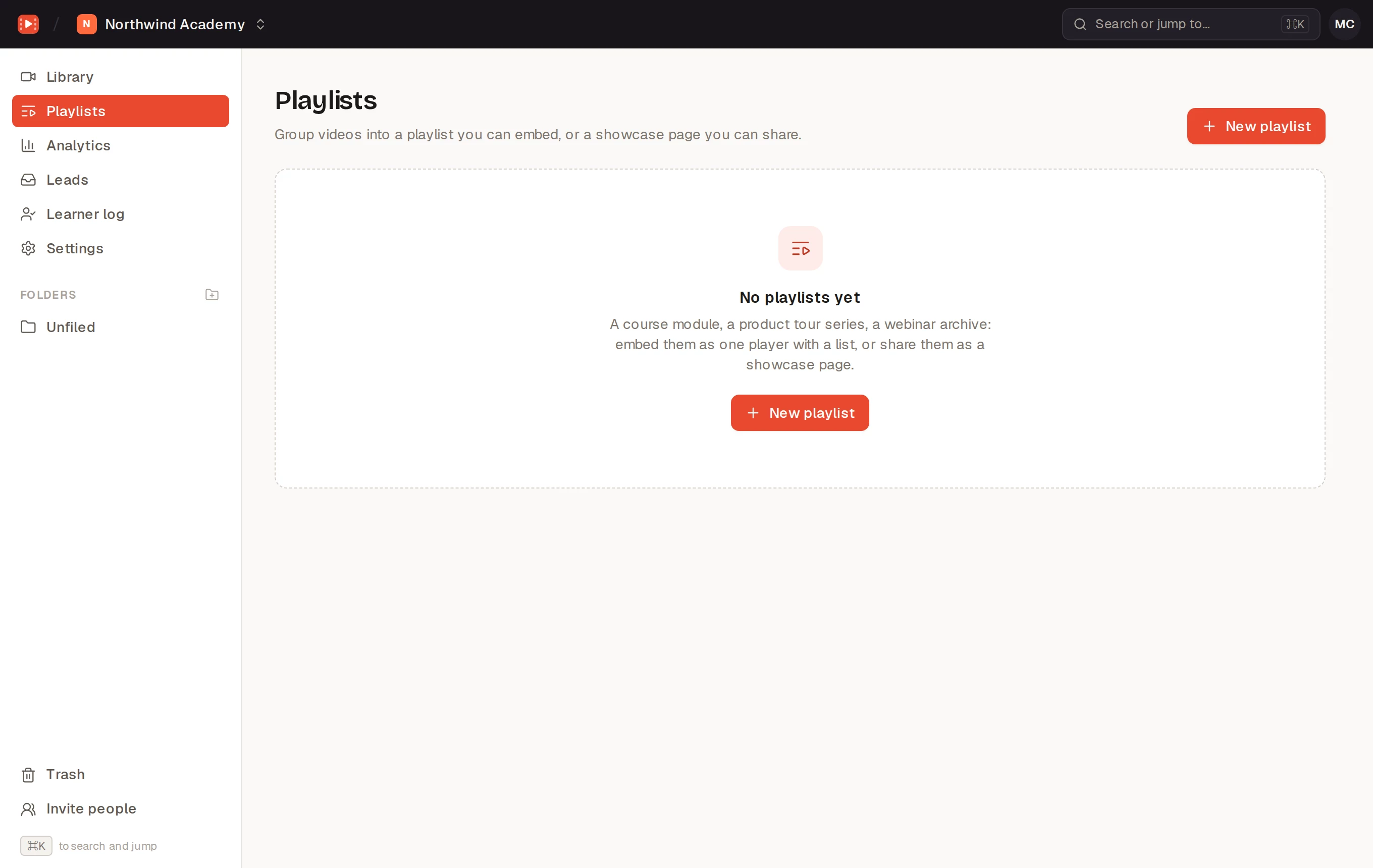
Videos
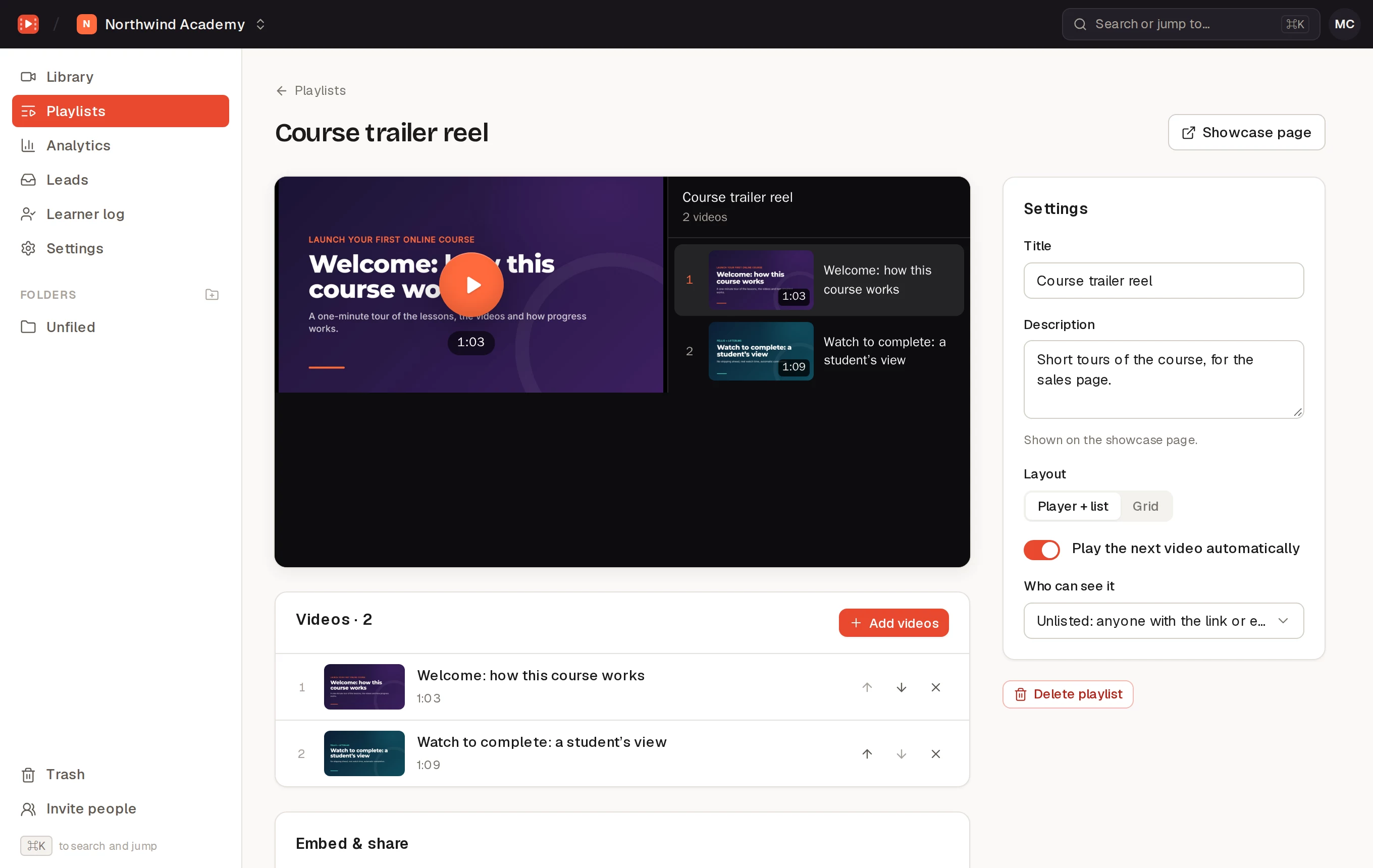
Click Add videos and search your library. Reorder them with the up and down arrows, or remove them. Removing a video from a playlist doesn’t touch the video.
Settings
- Title and Description, shown on the showcase page.
- Layout: Player + list (a player with the videos listed beside it) or Grid.
- Play the next video automatically.
- Who can see it: Public (anyone, and the showcase page can appear in search results), Unlisted (anyone with the link or embed) or Private (only your team, in Pellio; private playlists can’t be embedded or shared).
Embed and share
The Embed & share card has Copy embed code for your site and Copy showcase link for a page on pellio.io with the whole playlist. Each video in it still follows its own privacy and domain settings: private videos are left out of embeds.
On WordPress
- The Pellio Playlist block shows a Pellio playlist, or videos you Pick videos for that page. Its Layout is Player with a list or Grid (opens in a lightbox), with Play the next video automatically and an optional heading.
- The Pellio Lightbox block shows a video’s thumbnail, or a button with your Button text, and opens the video in a lightbox.