Recording your screen and camera
Updated September 27, 2026
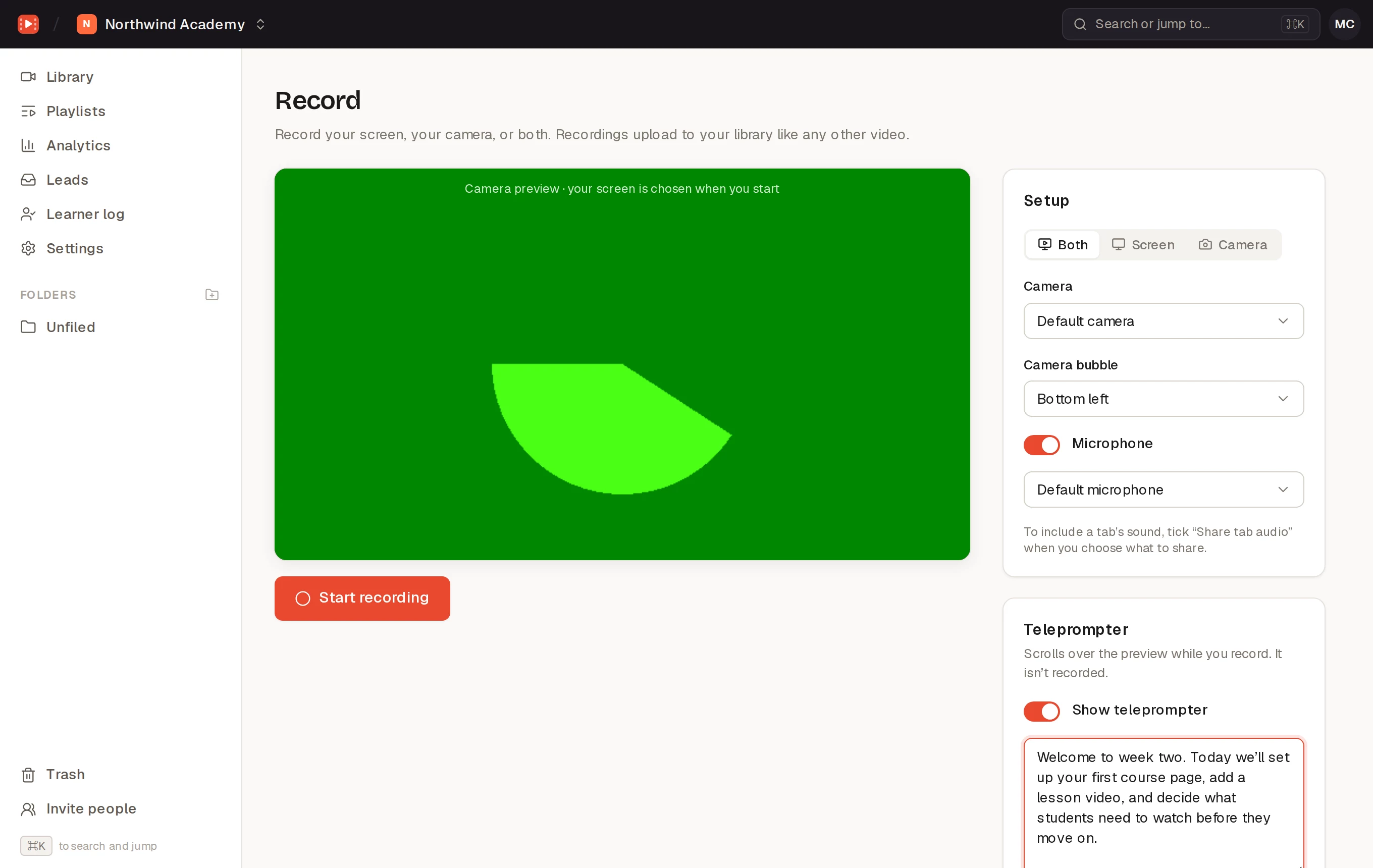
Click Record in the Library to record a video in your browser. Nothing to install.
Set up
- What to record: Both (your screen with your camera in a bubble), Screen or Camera. You pick the screen, window or tab when you start.
- Camera: which camera to use, and for Both, where the Camera bubble sits: bottom left, bottom right, top left or top right.
- Microphone: turn it on and pick one. To include a browser tab’s sound, tick “Share tab audio” when you choose what to share.
Teleprompter
Turn on Show teleprompter and paste your script. It scrolls on your screen while you record, at the Speed you set, and isn’t part of the recording.
Record and save
Click Start recording. Pause and Resume as you need to, and Stop when you’re done. Watch it back, then either Retake or give it a title and click Save to library. It uploads and processes like any other video.
To tidy up the start or end afterwards, use the Trim tab.