Review links and comments
Updated September 27, 2026
Comments
Open a video’s Comments tab. Write in the box and leave At m:ss on to pin the comment to the player’s current time; click a comment’s time to jump there. Comments can be replied to, resolved (Resolve / Reopen) and deleted. Resolved comments are hidden until you turn on Show N resolved, and the tab shows how many are still open.
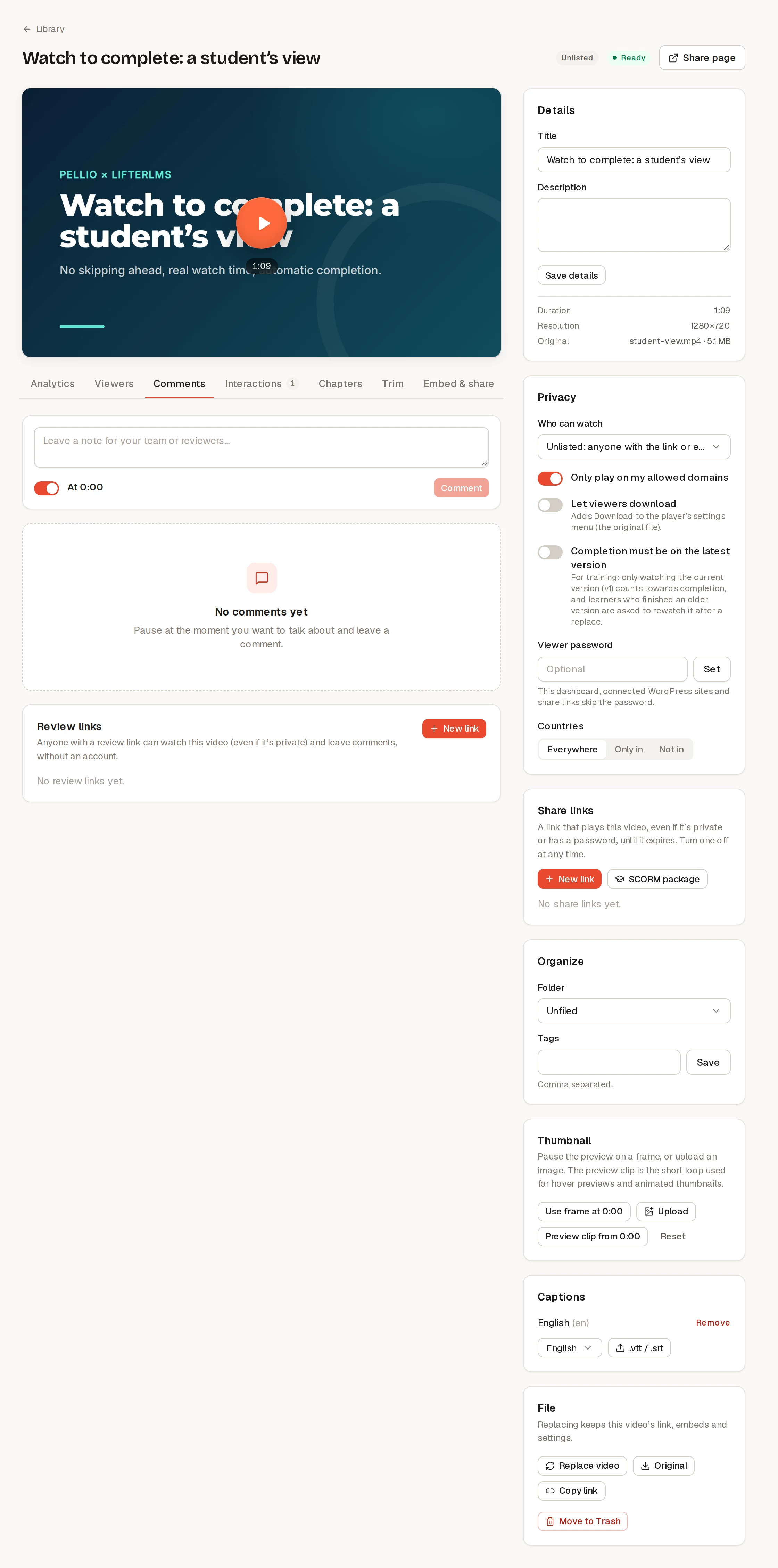
Everyone on your team can comment, reply and resolve, viewers included.
Review links
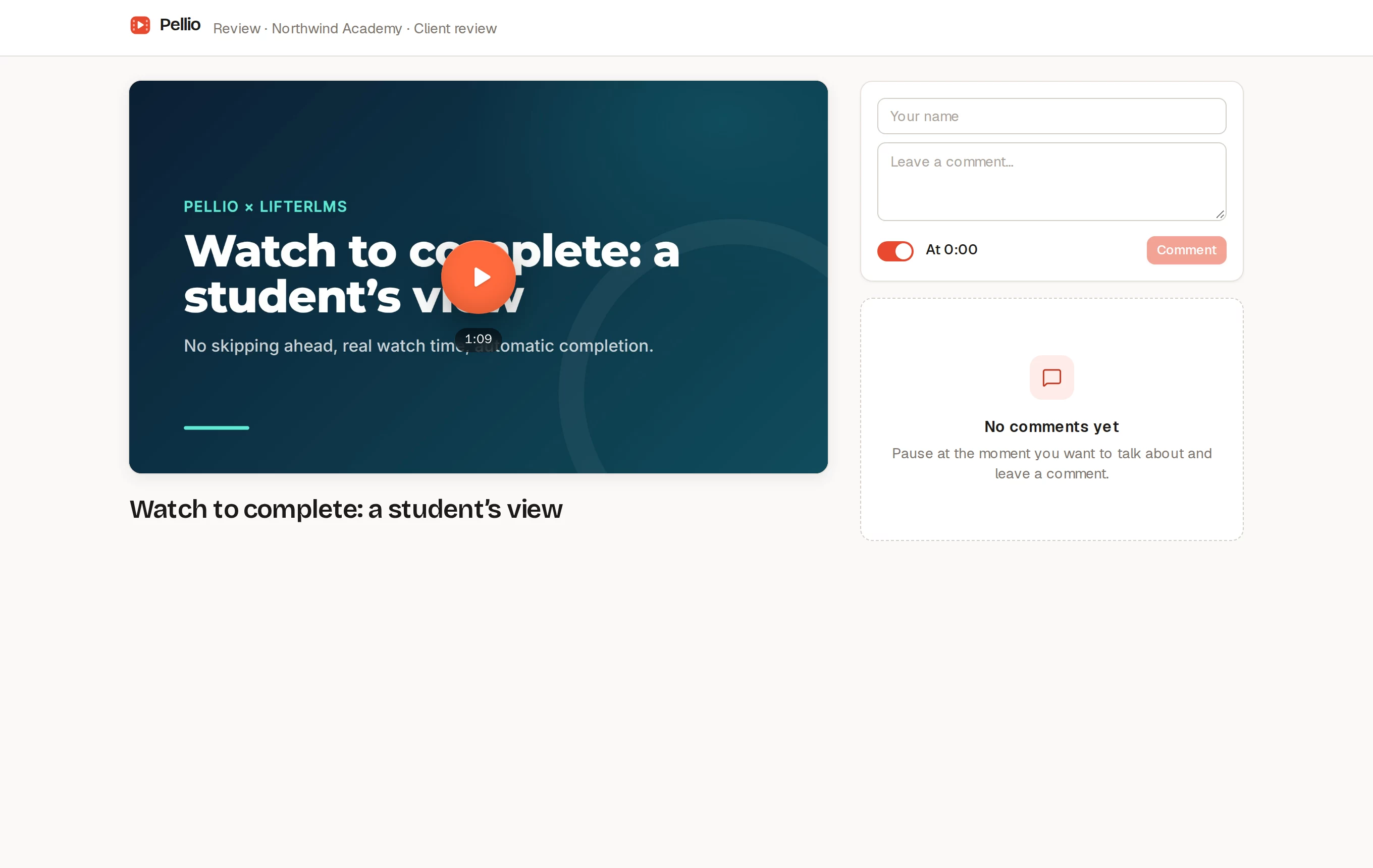
A review link lets someone without an account watch the video, even if it’s private, and leave time-coded comments. In the Review links card on the Comments tab, click New link and set:
- Who is it for?, for example “Client” or “Legal review”;
- Password (optional);
- Expires: in 7, 30 (the default) or 90 days, or never;
- Allow downloading the original.
Guests open the link, enter the password if there is one, type their name (remembered for next time) and comment. Their comments appear in your Comments tab with the link’s name. Turn off stops a link; its comments stay.
Review links aren’t affected by the video’s country rules or domain settings. For viewing only, with more expiry choices and renewal, use a share link.
Notifications
The person who uploaded a video gets an email when a guest comments on it (turn this off in Settings → Notifications). The email links straight to the Comments tab.